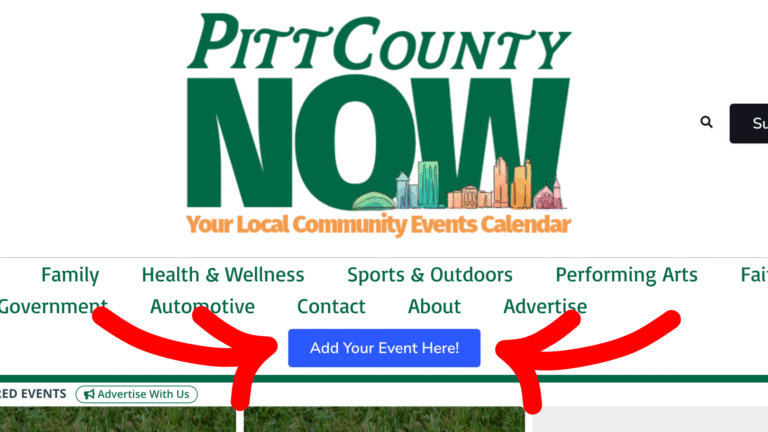
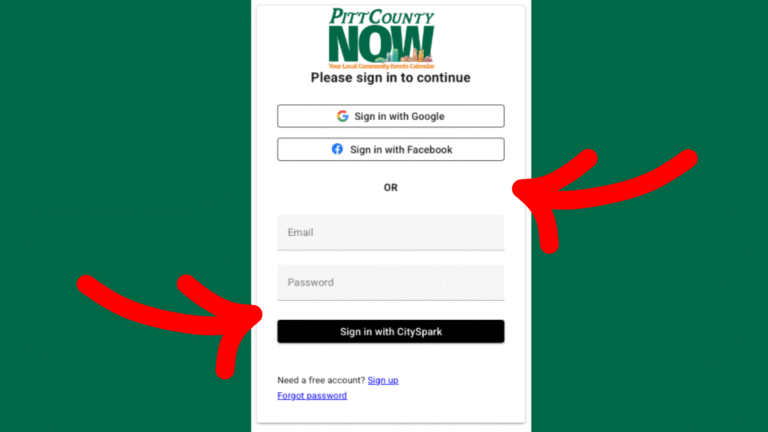
You can easily sign up using Facebook, Google or Email.
Have an account already? Log in.
STEP 3: Enter Event Details
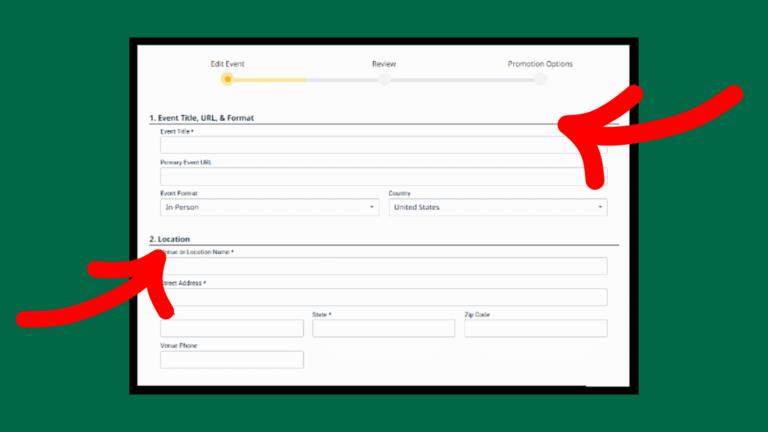
Fill in basic event details such as title, date, time and location.
If your event repeats, specify the schedule.
Choose up to three categories (one main, two additional)
Upload an image or use a stock image provided by CitySpark.
STEP 4: Provide Additional Information
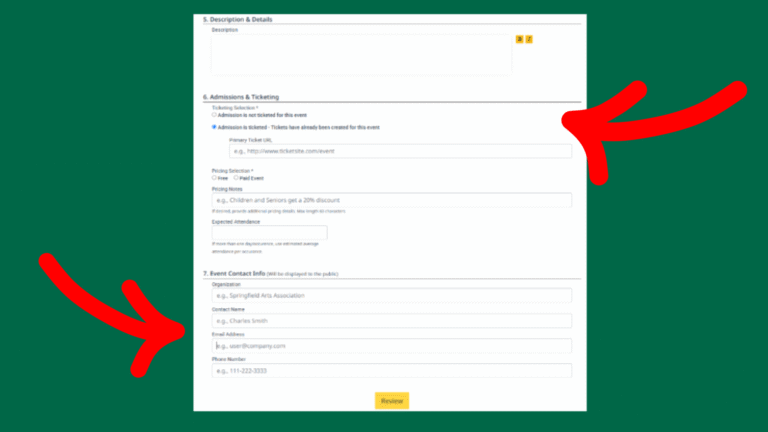
Add a description of your event.
Indicate if the event is ticketed or free (include ticket link if applicable).
Enter contact information for the event.
Click “Review” to check your details.
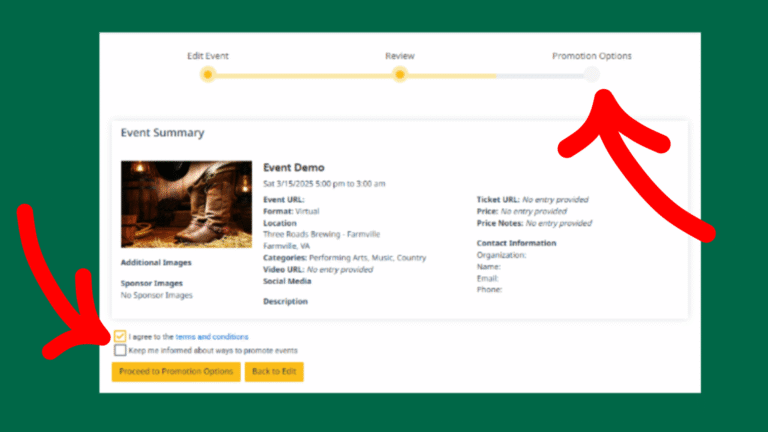
STEP 5: Review Your Event
You will see a preview of how your event will appear online.
If all looks ok, click “Proceed to Promotion Options.”
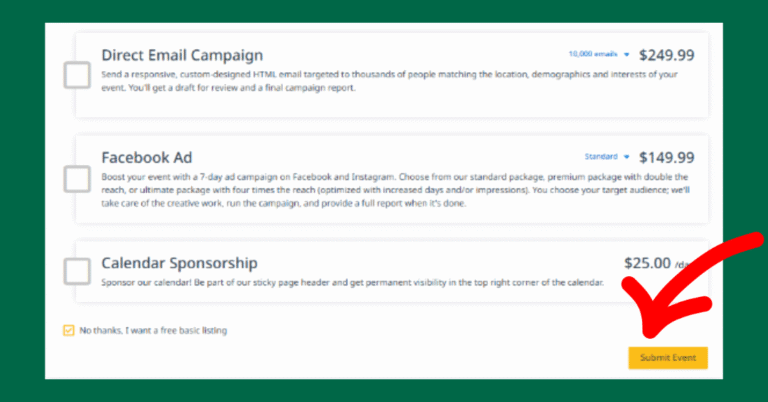
STEP 6: Choose a Listing Option
You will see paid promotion options (Enhanced, Featured, Premium) for more exposure.
For a FREE listing: Scroll to the bottom and select “No thanks, I want a free basic listing.”
Click “Submit Event” and you are now done.
Once submitted, your event will go through an approval process and will appear online shortly. That's it! Your event will soon appear on Pitt County NOW!